
UI
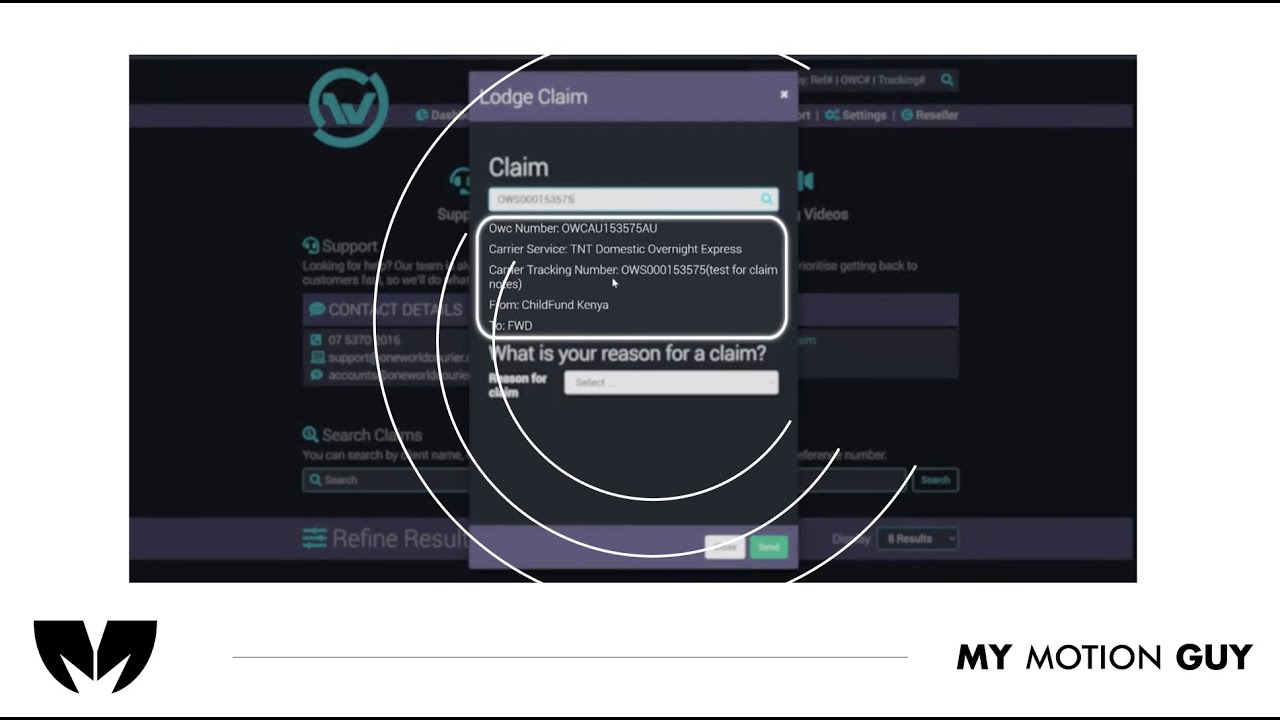
For this shipment platform screen casting tutorial, the edit is built around animated UI screens and typography to keep the walkthrough clear, step-by-step. We open with a quick UI overview, then move through each action using smooth screen-to-screen transitions (slide-ins, zoom pushes, and masked wipes) so the viewer always knows where to look. Each instruction is reinforced with crisp on-screen labels, highlights, and cursor-style movement that tracks the exact clicks and fields as the UI updates. Sound design stays subtle and functional: click taps on interactions, soft whooshes on section changes, and light risers on key completions, with a balanced music bed so the tutorial feels modern but never distracting.
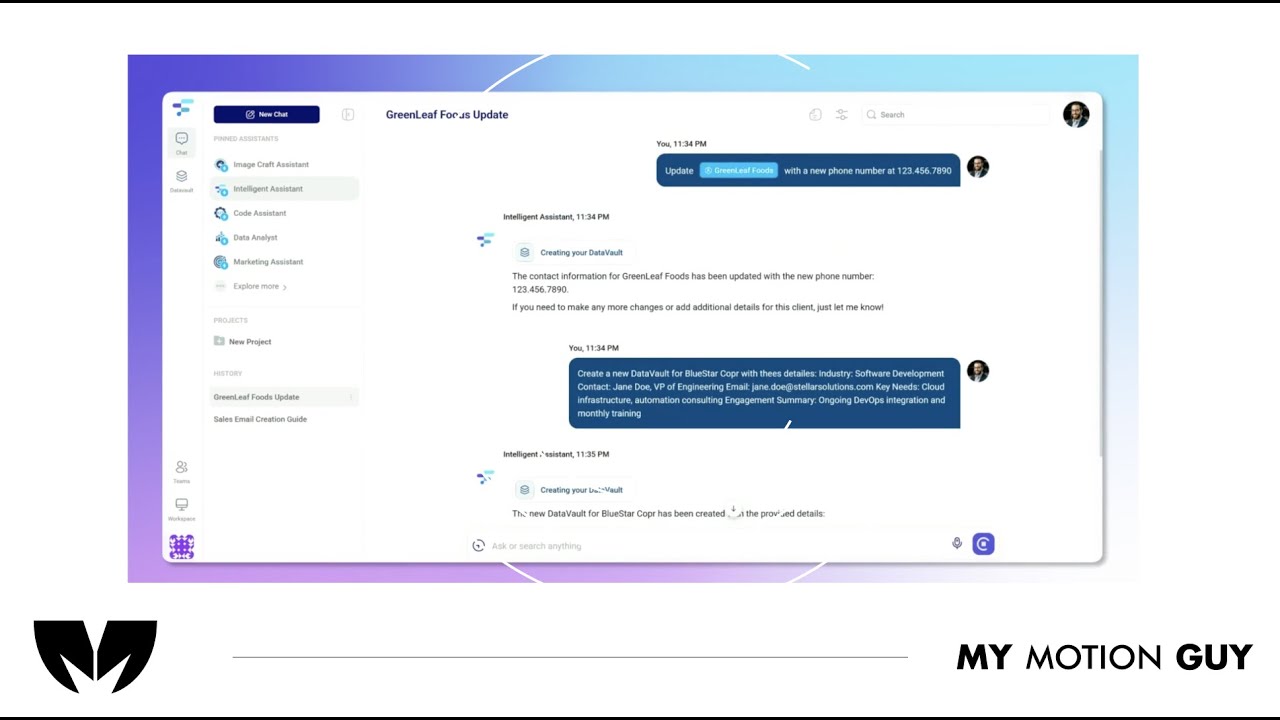
For this AI product demo, we cut the UI walkthrough tightly to the voice-over so every feature is shown exactly when it’s explained. The opening quickly establishes the product with a clean UI reveal, then the video moves through core actions using smooth scroll/zoom moves and masked wipes between screens to keep orientation clear. When “Data Vaults” come in, we switch into a more guided moment: cursor-led focus, highlight frames, and minimal callouts land right as the vault panel and context options appear, so the value clicks instantly. Sound stays polished and “trusty”: leveled VO, low music bed, and subtle click/soft whoosh accents on UI interactions and screen changes.