SaaS & Technology
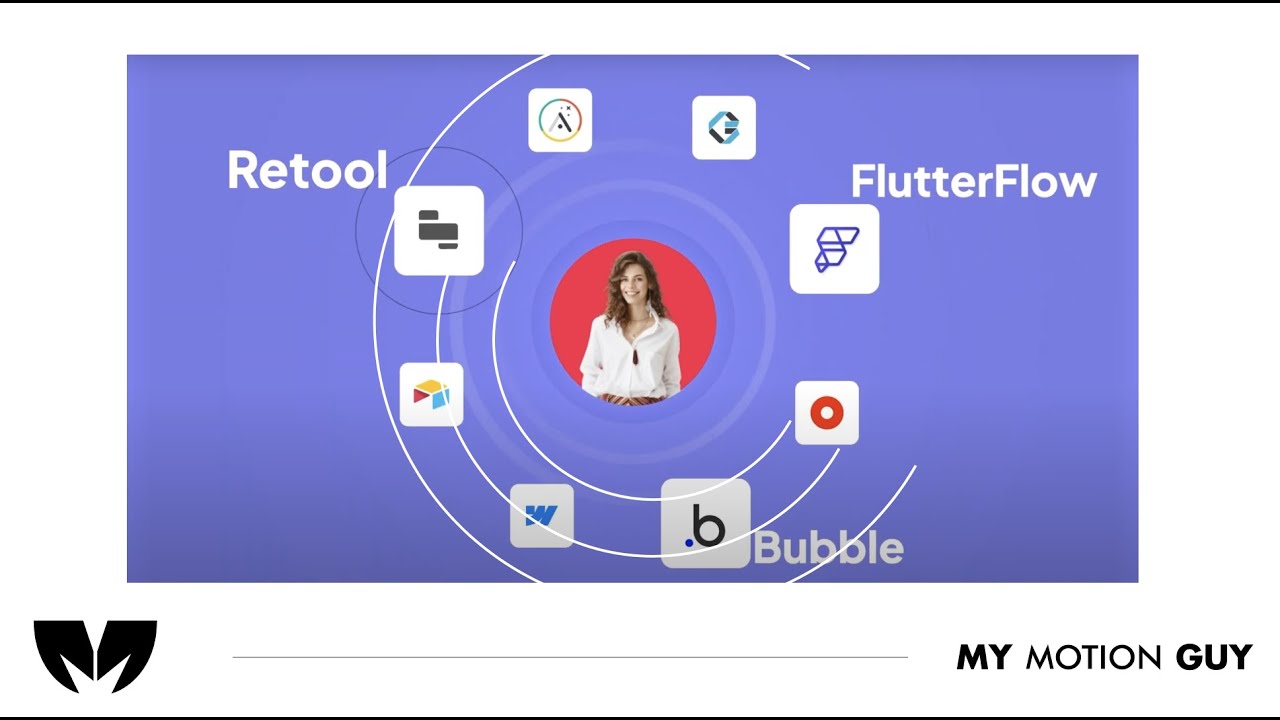
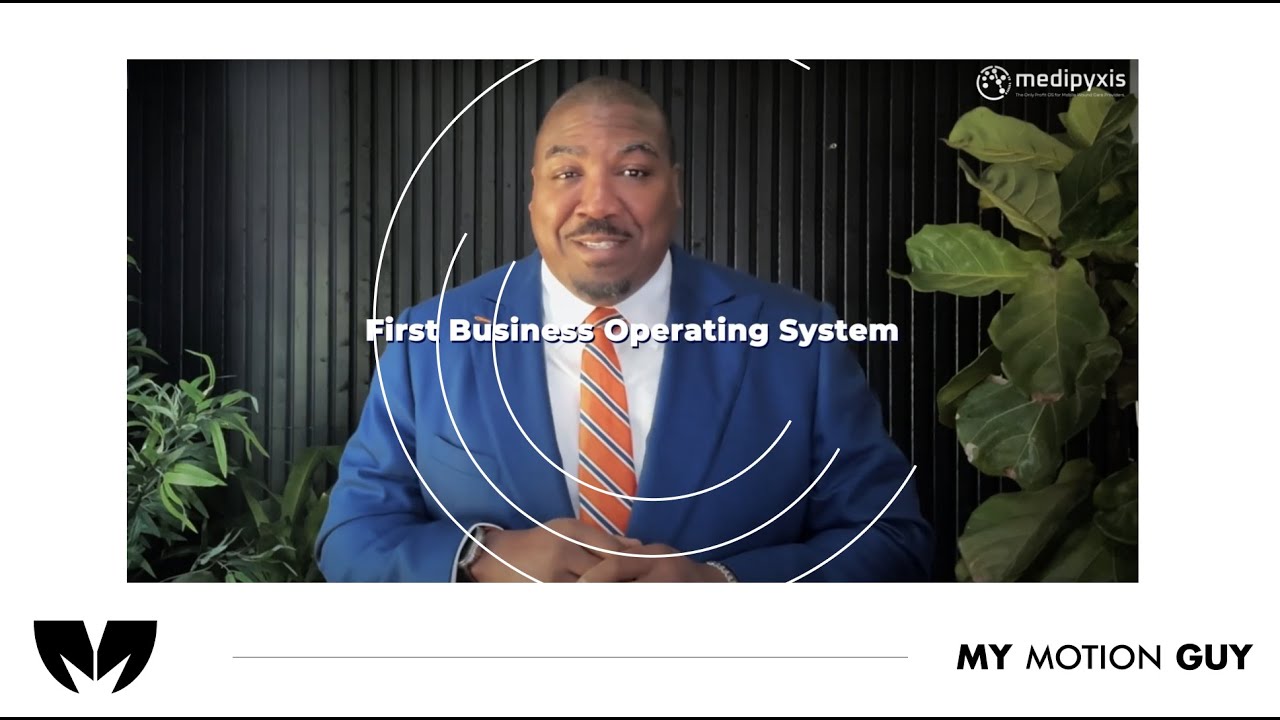
For this Rapid Dev, a SaaS product promo video, we focused on a fast, conversion-driven edit that communicates the offer in seconds. We shaped the storyline with tight pacing, clean jump cuts, and beat-matched transitions, then enhanced clarity with motion text callouts and polished visual timing so every line lands with impact. To elevate the final feel, we added sound design (whooshes, hits, risers), music leveling, and finishing touches like color correction and consistency pass across all shots, resulting in a modern, high-energy brand video built for web and social performance.
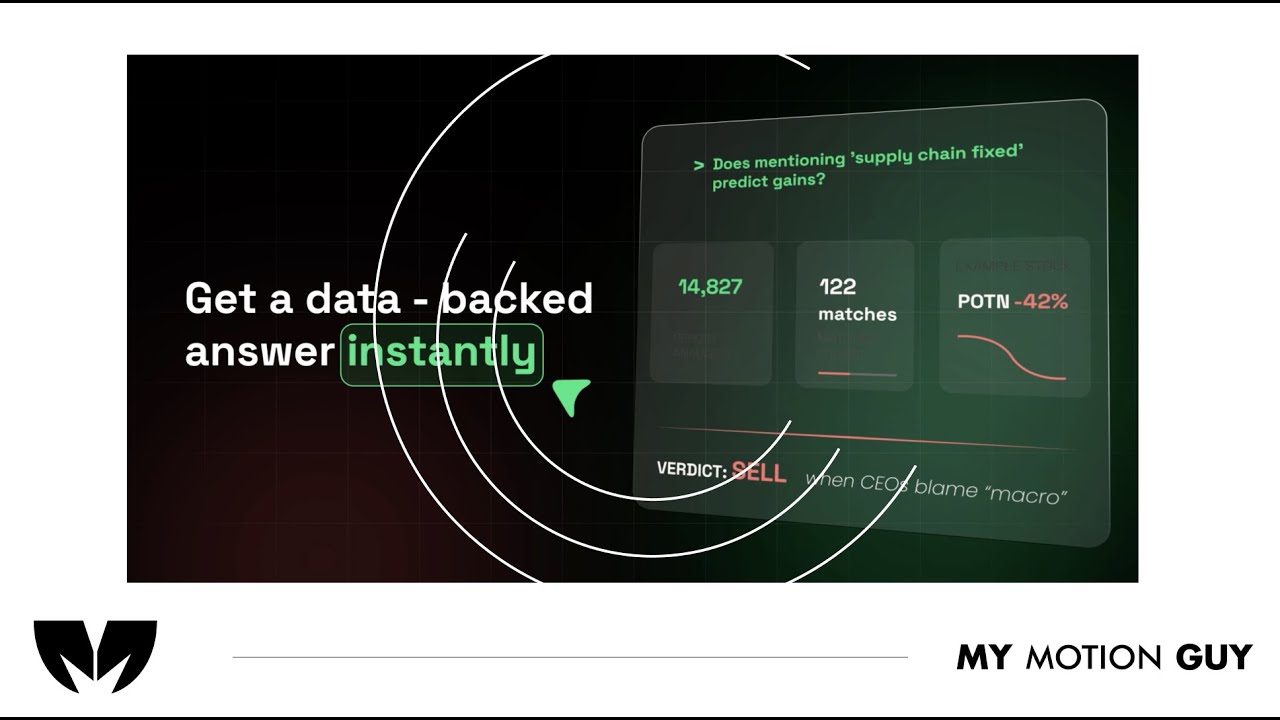
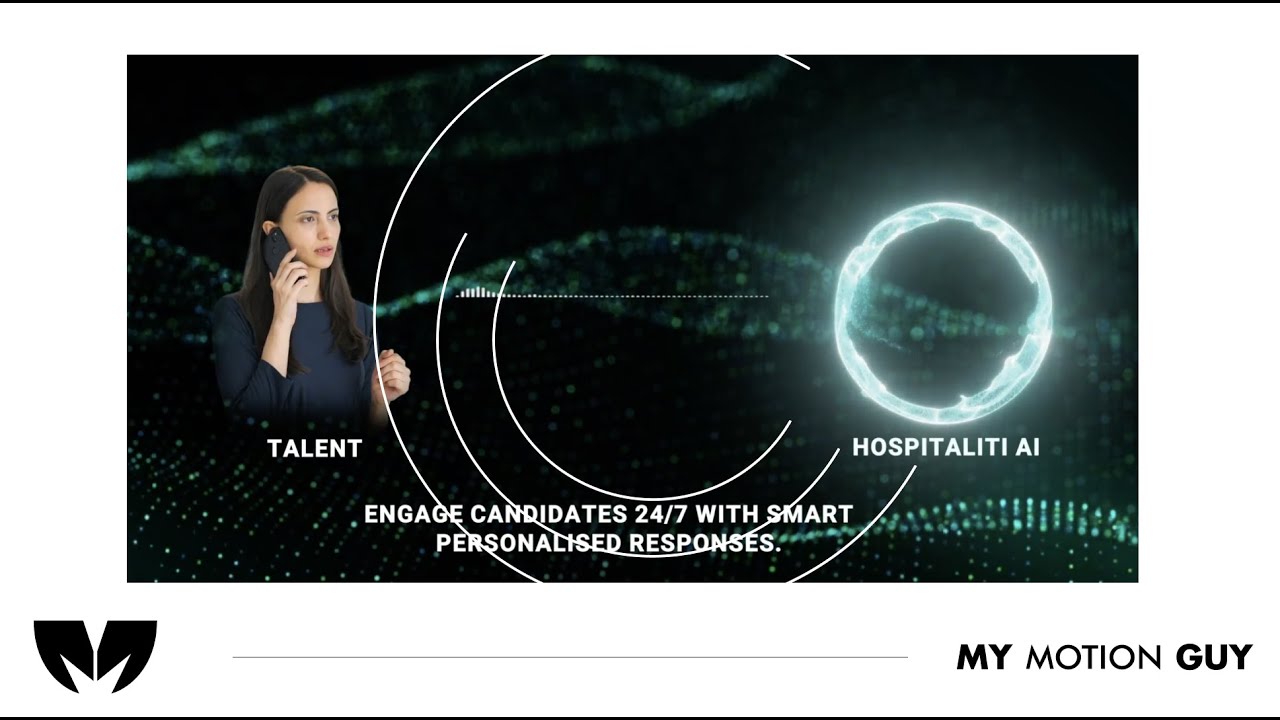
For this Animated AI Product Demo, the entire edit is driven by 2D illustrations and animated UI screens,. We kept the opening fast to hook attention, then used smooth UI transitions, cursor style movement, and clean callouts to guide the viewer through key features as the interface changes. Sound design is tailored to the visuals with subtle click taps, whoosh accents on screen shifts, and a controlled music mix so every UI moment feels crisp, modern, and easy to follow.
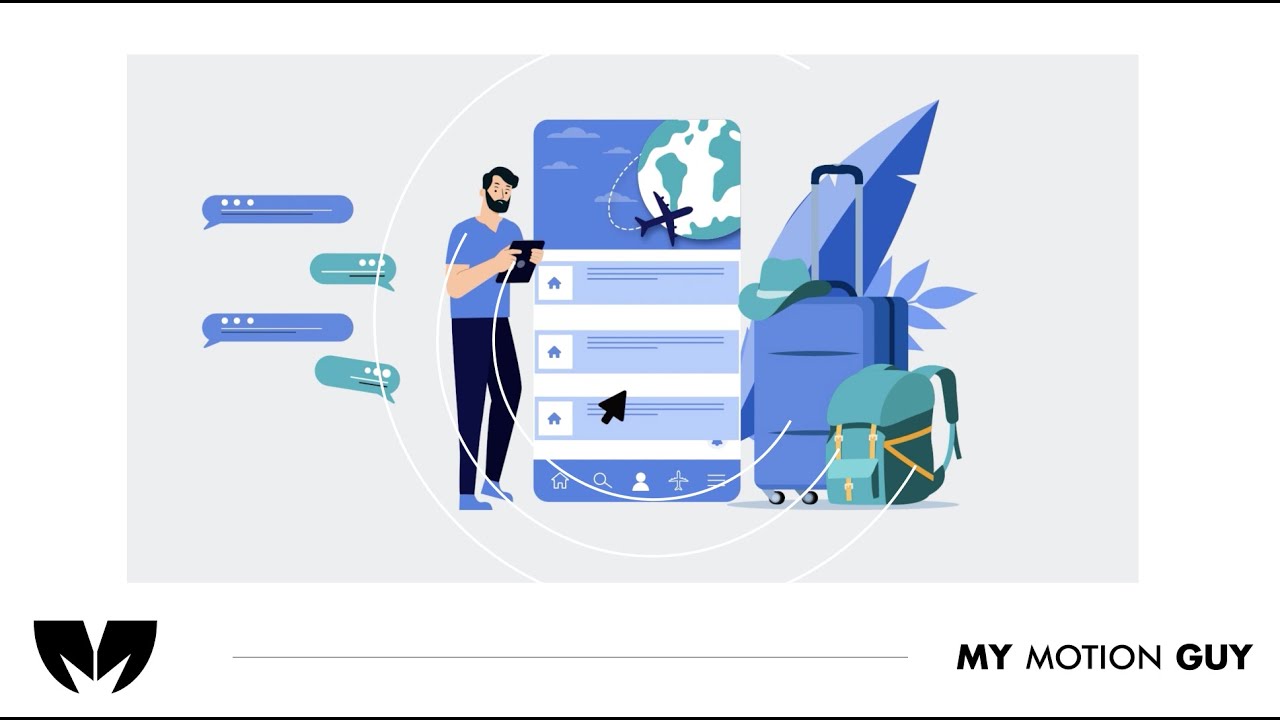
SaaS 2D Animation Explainer Video is built entirely around 2D motion graphics and animated UI, so the edit focuses on guiding the viewer through the interface with clarity. The opening hits fast with a clean UI reveal, then each feature beat is carried by smooth screen-to-screen transitions (slide-ins, zooms, and mask wipes) plus cursor-style movement that “leads” the eye to the next action. Sound design is matched to the UI moments with subtle click taps on interactions, soft whooshes on screen shifts, and short risers into key reveals, while clean callouts and typography keep every step easy to follow and visually premium.
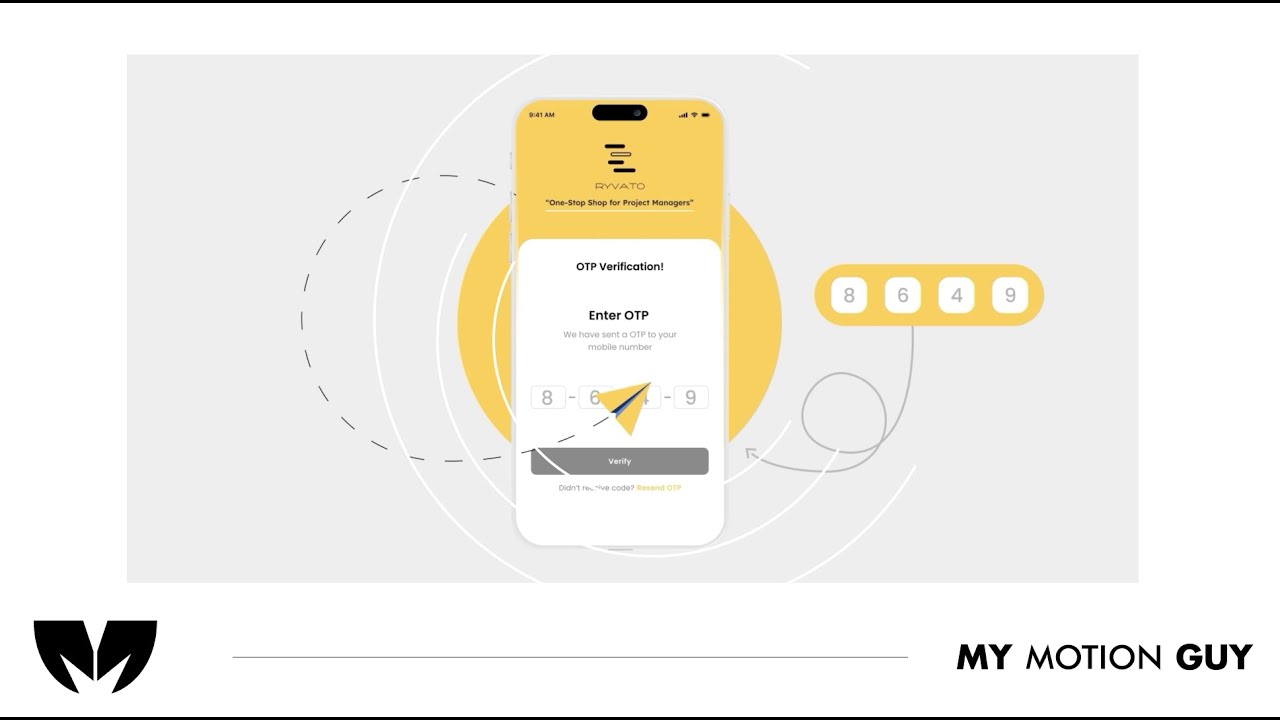
For this project management SaaS app animated promo, the story is told through animated UI screens and typography, not footage. The opening hits clear sound and messy graphics showing the problem around project management, then we move through the app feature beats using smooth screen-to-screen transitions like slide-ins, zoom pushes, and masked UI wipes that keep the flow clear. When the video shifts between web and mobile views, the motion guides the eye with cursor-style movement and callouts that land exactly as each UI element appears. Sound design is tied to the interface with click taps on interactions, soft whooshes on screen changes, and short risers into key reveals so the UI feels responsive and premium.
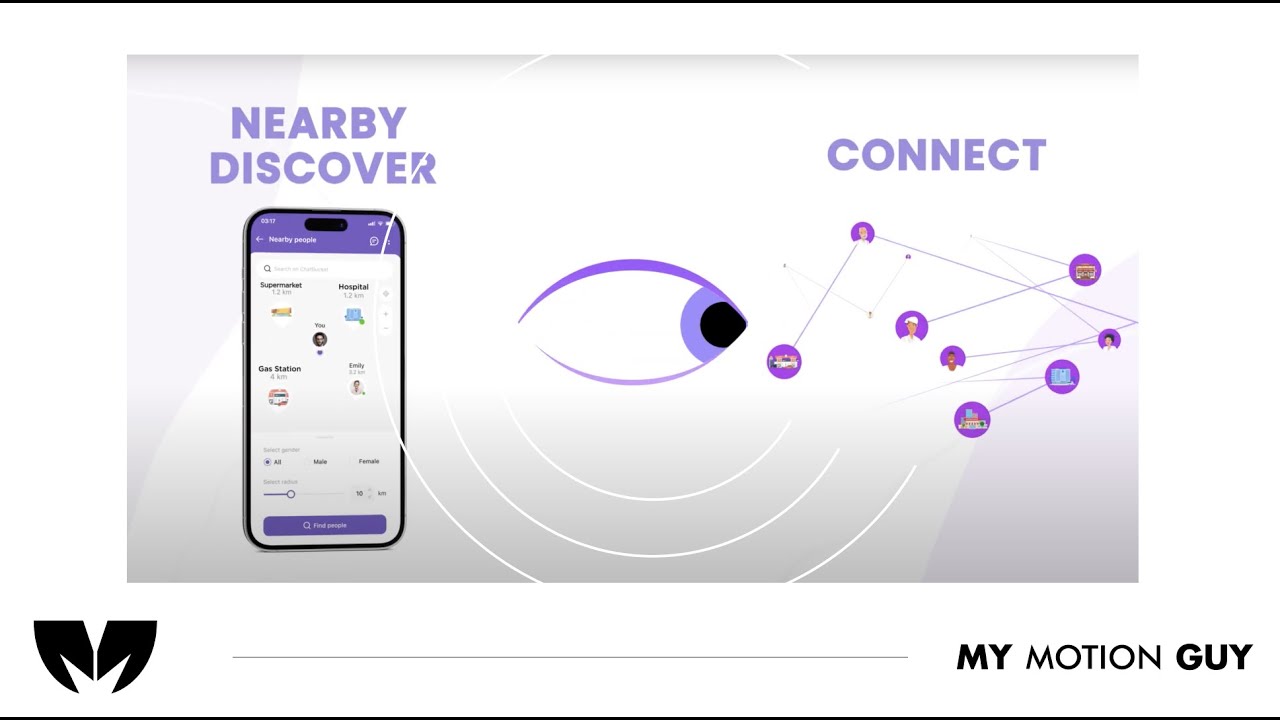
For this chat bucket explainer app promo, the story is carried through animated UI screens and kinetic typography (no live footage). The opening hits with a clean hero UI reveal, then we guide the viewer through the product using smooth screen-to-screen transitions like slide-ins, zoom pushes, and masked wipes so each new section feels connected. As key moments land, we bring in crisp type callouts that appear exactly when the UI updates, with cursor-style motion to “lead” attention to the next interaction. Sound design is matched to the interface with subtle click taps on UI actions, soft whooshes on screen changes, and short risers on feature reveals, finished with balanced music and a clean polish pass for a premium, web-ready feel.
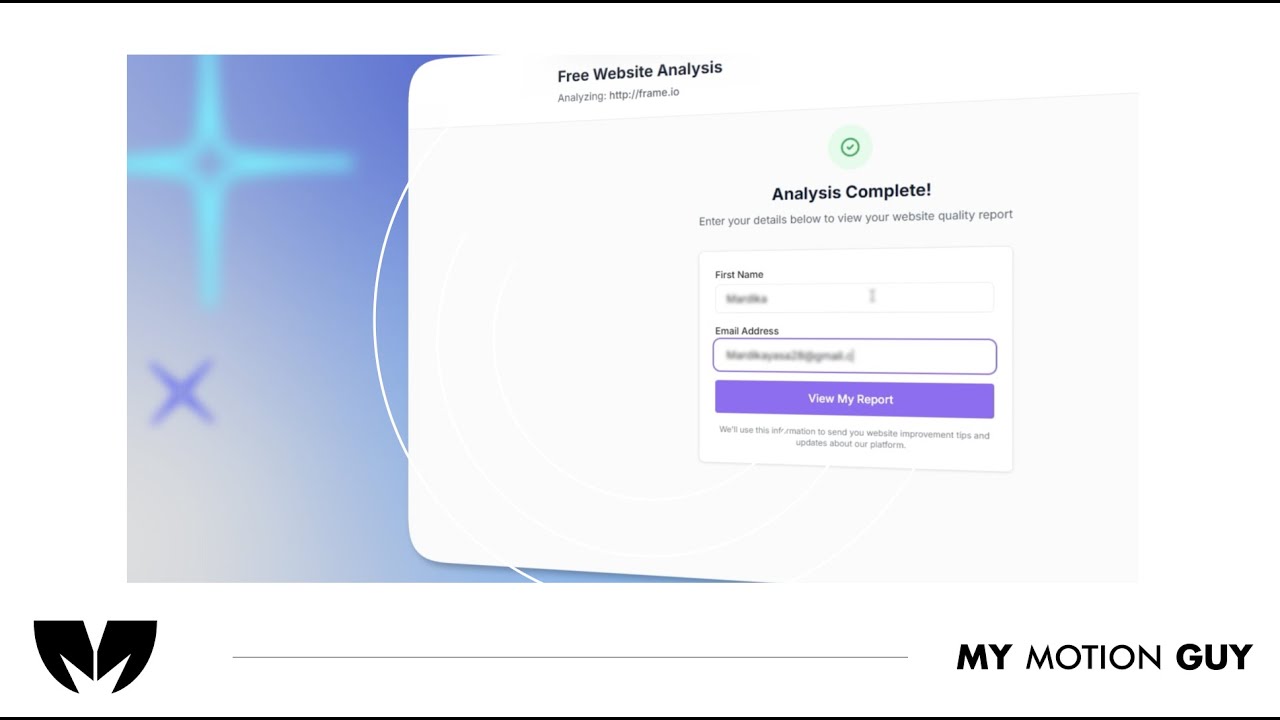
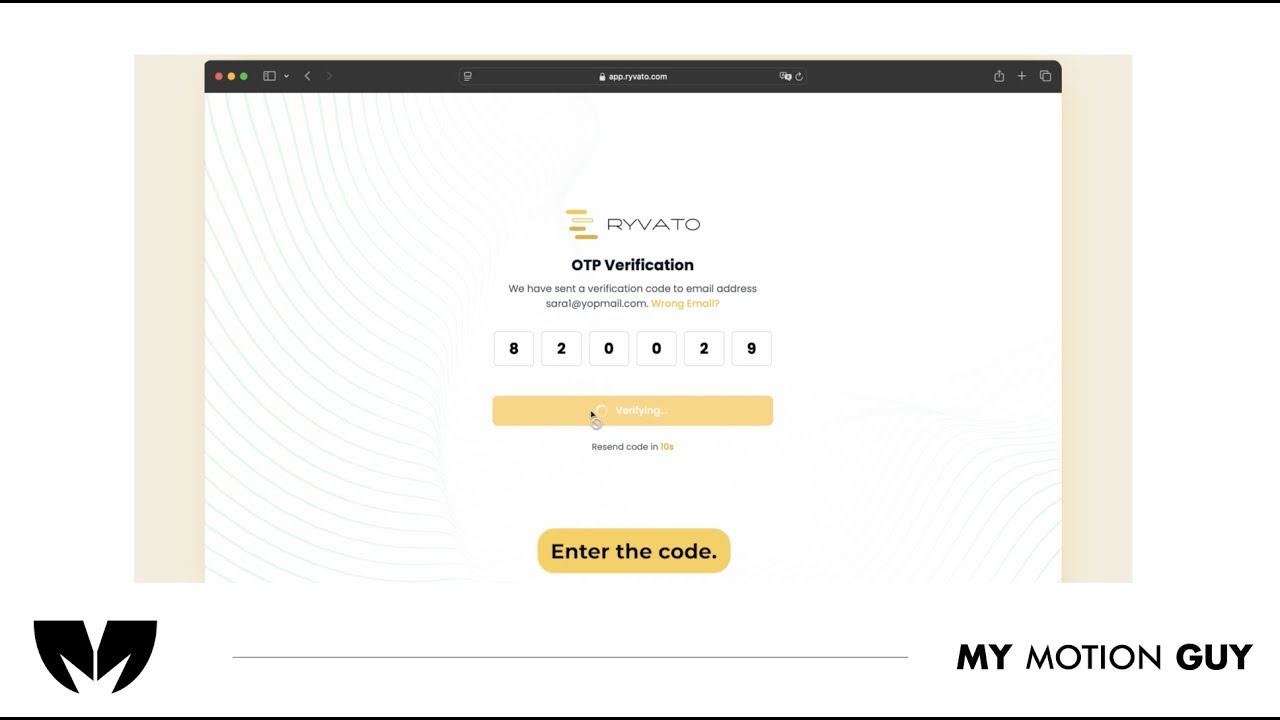
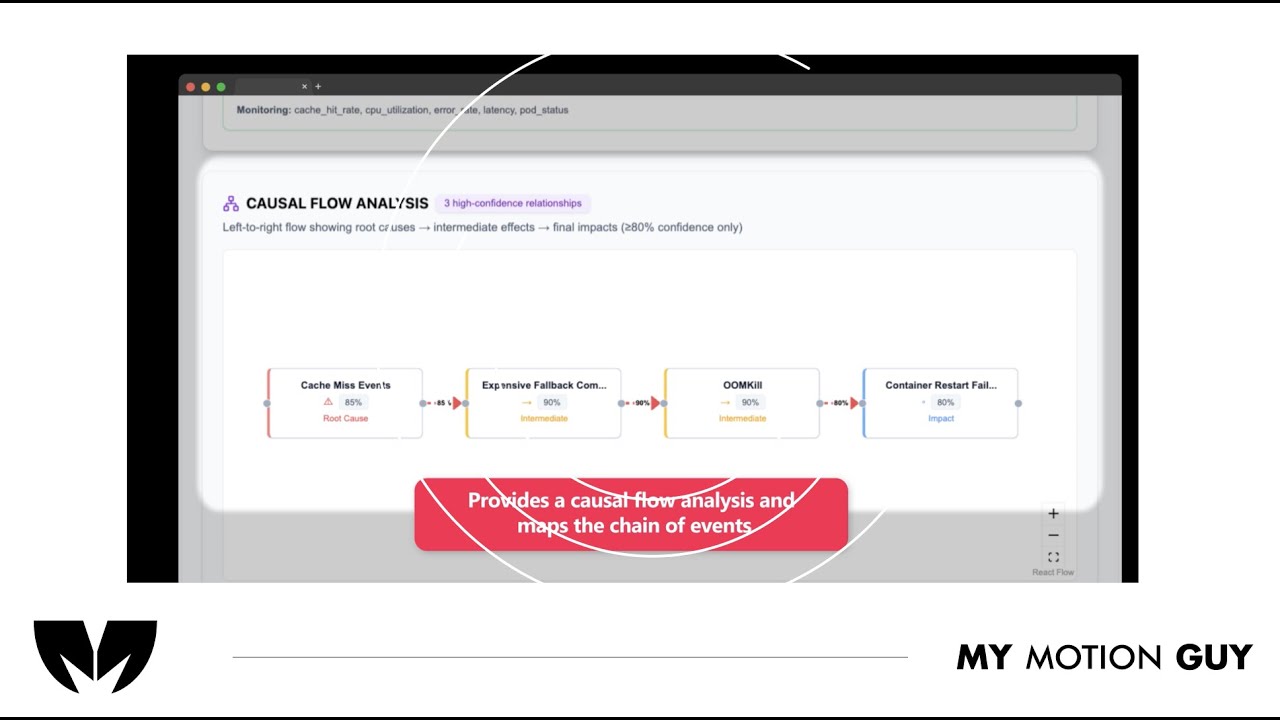
For SaaS UI walkthrough this video is edited as a UI go-through: it opens with a clean website entry, then guides the viewer through the flow using smooth scroll moves, zoom pushes, and masked wipes as screens change. When the AI analysis is introduced, we transition into the dashboard view with a crisp reveal and use minimal callouts to point to the key insight areas so the viewer immediately understands “input → analysis → results.” Sound design is matched to the UI actions with subtle click taps on interactions, soft whooshes on screen switches, and a light riser into the dashboard reveal, finished with a balanced music bed and a tidy polish pass for a premium SaaS feel.
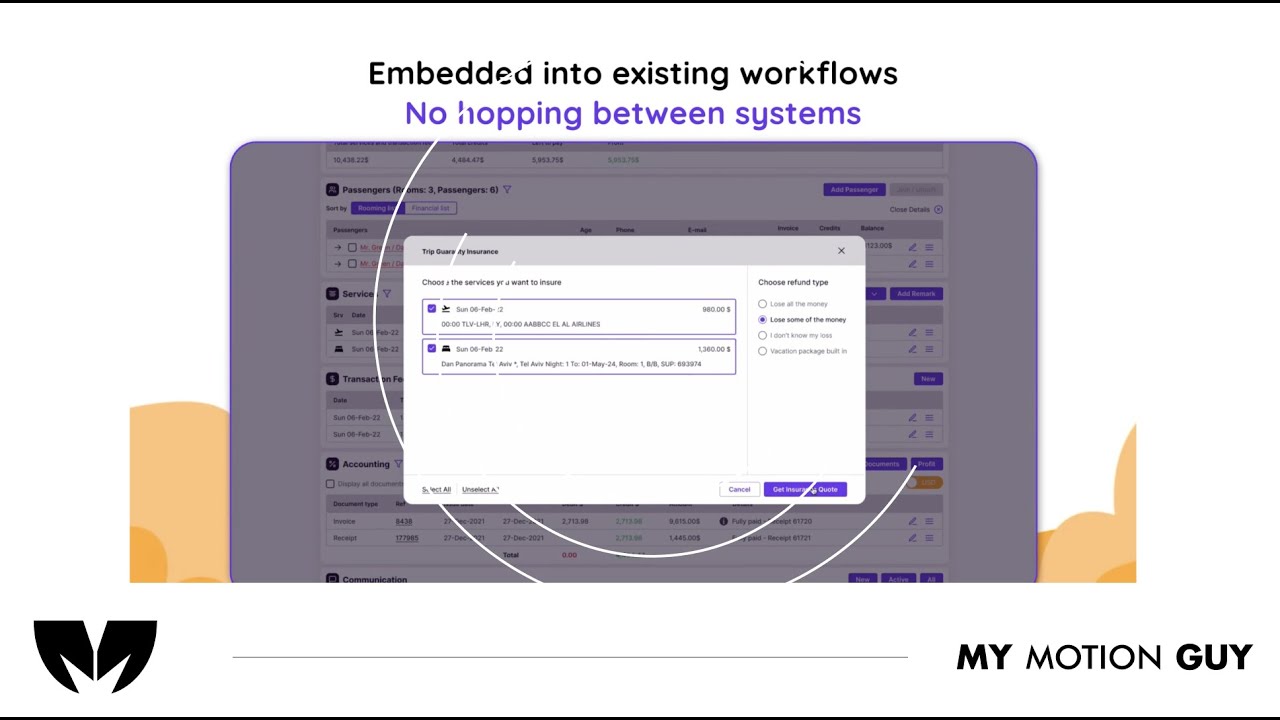
For this travel agency digital dashboard UI walkthrough, we edited the UI flow to clearly showcase the offers and how to use each feature. The video opens with a quick dashboard overview, then moves section-by-section using smooth scroll moves, zoom pushes, and masked wipes to transition between menus and pages. Each offer reveal is reinforced with clean callouts and highlight frames that land exactly as the UI updates, making the steps easy to follow. Sound design supports the actions with subtle click taps on interactions, soft whooshes on screen changes, and light risers on key reveals, finished with a balanced music bed and a clean polish pass.
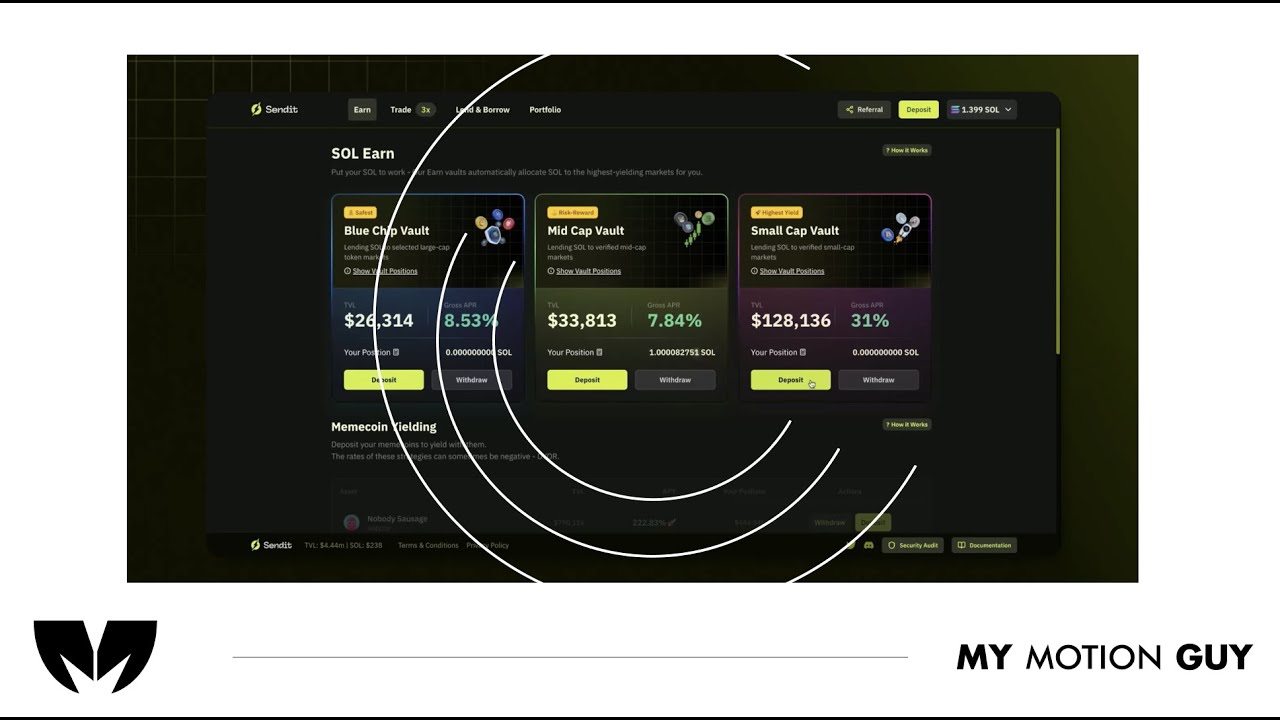
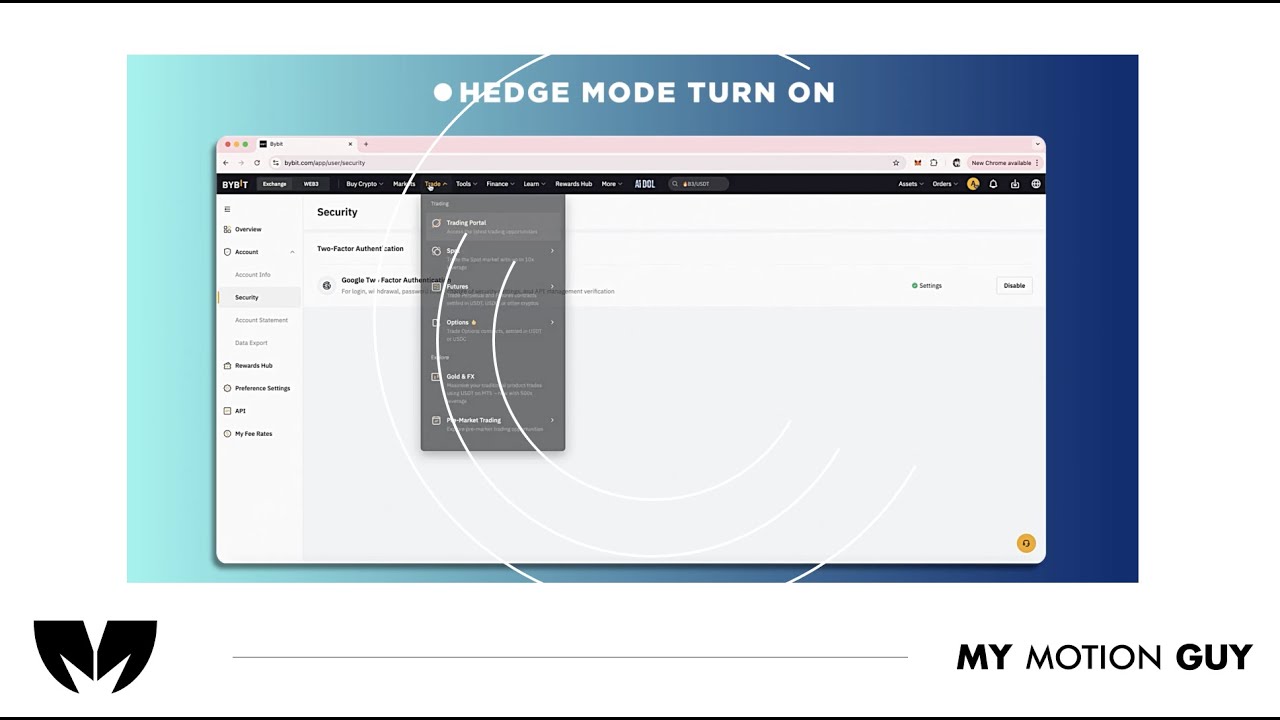
For this fintech crypto platform tutorial, we cut the UI walkthrough tightly to the voice-over so every step matches what the viewer hears. It opens with a quick dashboard overview, then moves through key actions using smooth scroll/zoom moves and clean masked wipes between screens to keep navigation clear. As features are explained, we layer minimal callouts, highlights, and cursor-led focus so the viewer instantly knows where to click and what changed on the interface. Sound work centers on clarity: VO is cleaned and leveled, music stays low, and subtle click/woosh accents land on UI interactions and screen transitions for a polished, trustworthy finish.
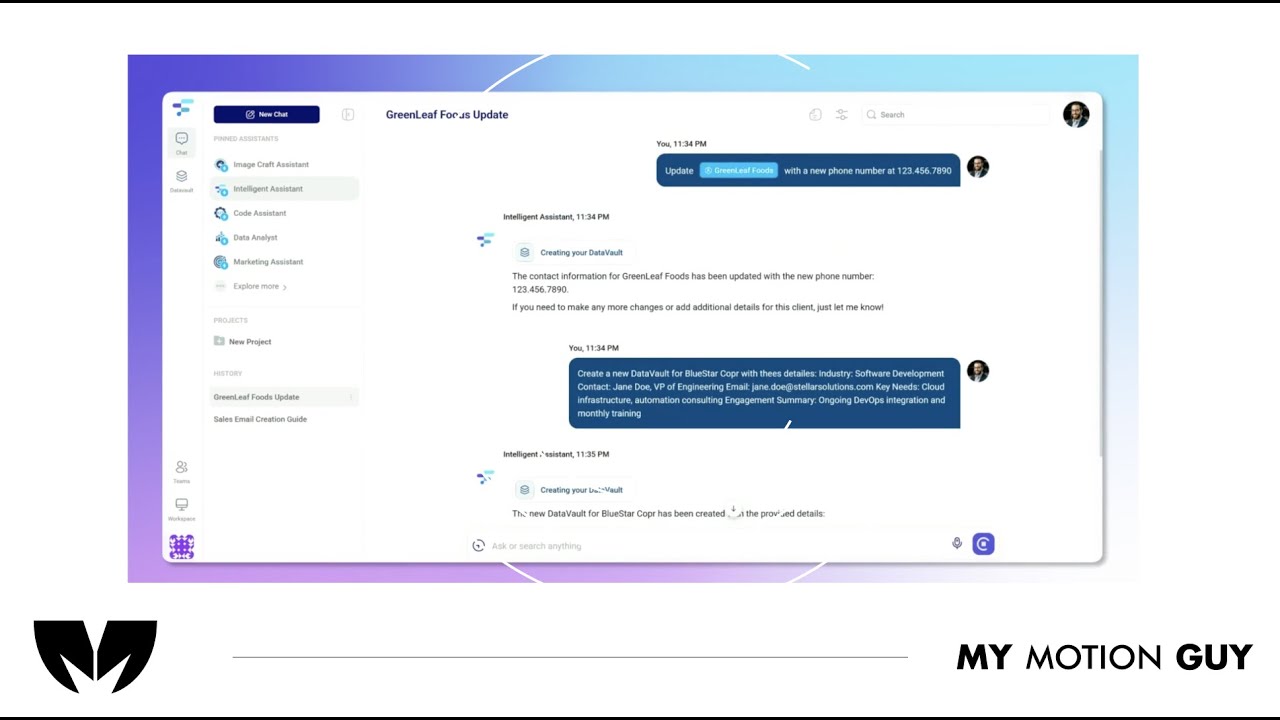
For this AI product demo, we cut the UI walkthrough tightly to the voice-over so every feature is shown exactly when it’s explained. The opening quickly establishes the product with a clean UI reveal, then the video moves through core actions using smooth scroll/zoom moves and masked wipes between screens to keep orientation clear. When “Data Vaults” come in, we switch into a more guided moment: cursor-led focus, highlight frames, and minimal callouts land right as the vault panel and context options appear, so the value clicks instantly. Sound stays polished and “trusty”: leveled VO, low music bed, and subtle click/soft whoosh accents on UI interactions and screen changes.
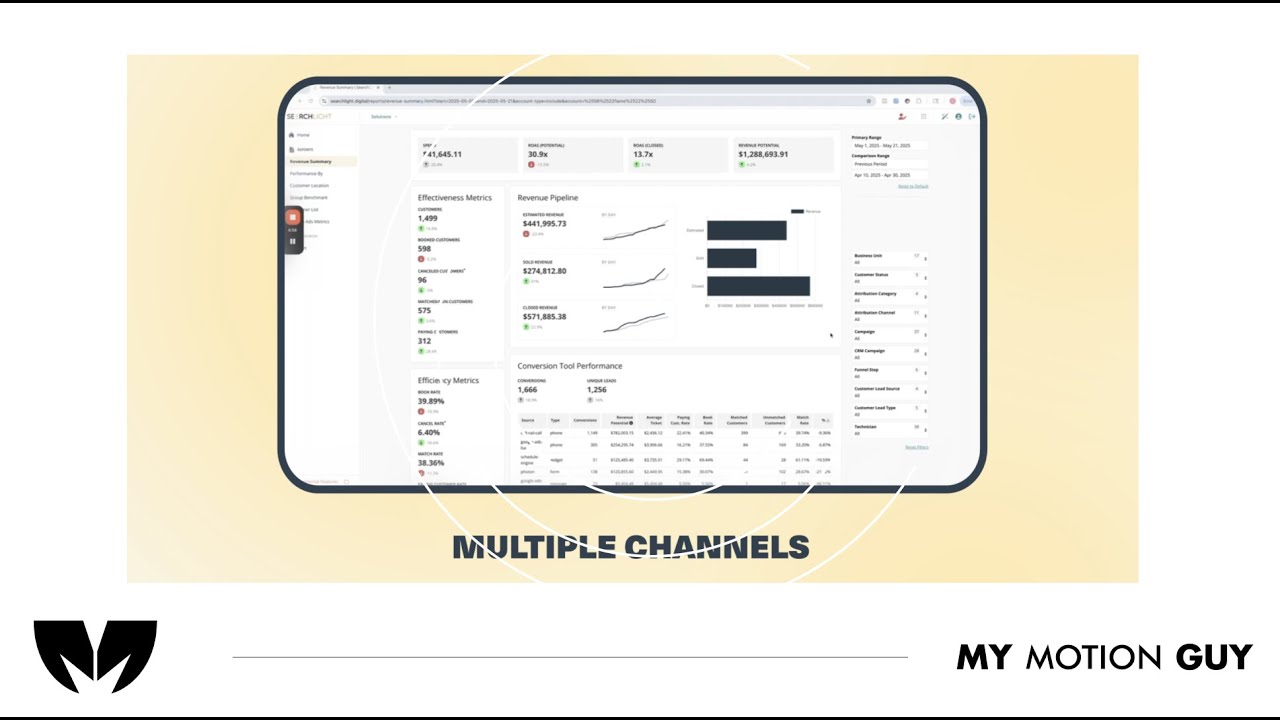
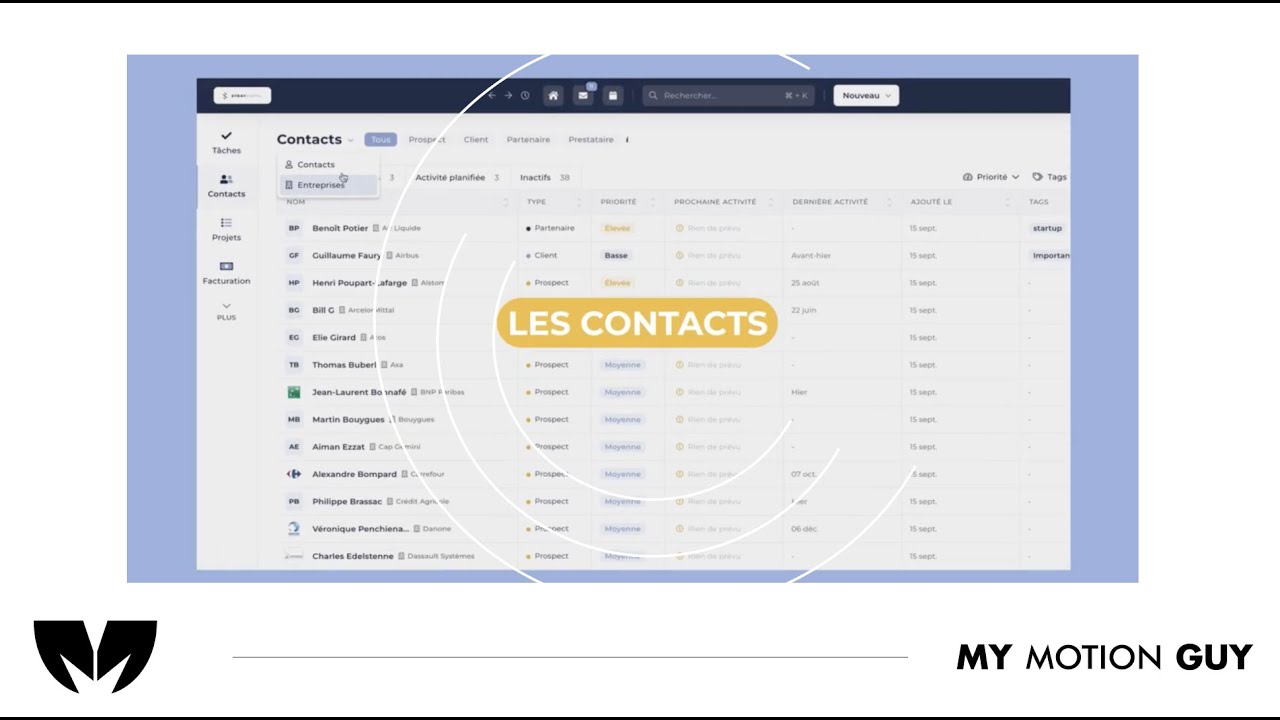
For this SaaS product dashboard UI walkthrough, we edited the story around the “all channels in one dashboard” idea, using UI walkthrough pacing to make insights feel instant. The opening hits with a clean dashboard reveal, then we move through key sections with smooth zoom pushes, scroll moves, and masked wipes to transition between channels, reports, and insights views. When performance metrics and insights appear, we reinforce them with minimal callouts and highlight frames that land exactly as the charts update, so the viewer understands what changed and why it matters. Sound design stays crisp and modern: subtle click taps on UI actions, soft whooshes on screen switches, and a controlled music bed to keep the demo premium and easy to follow.
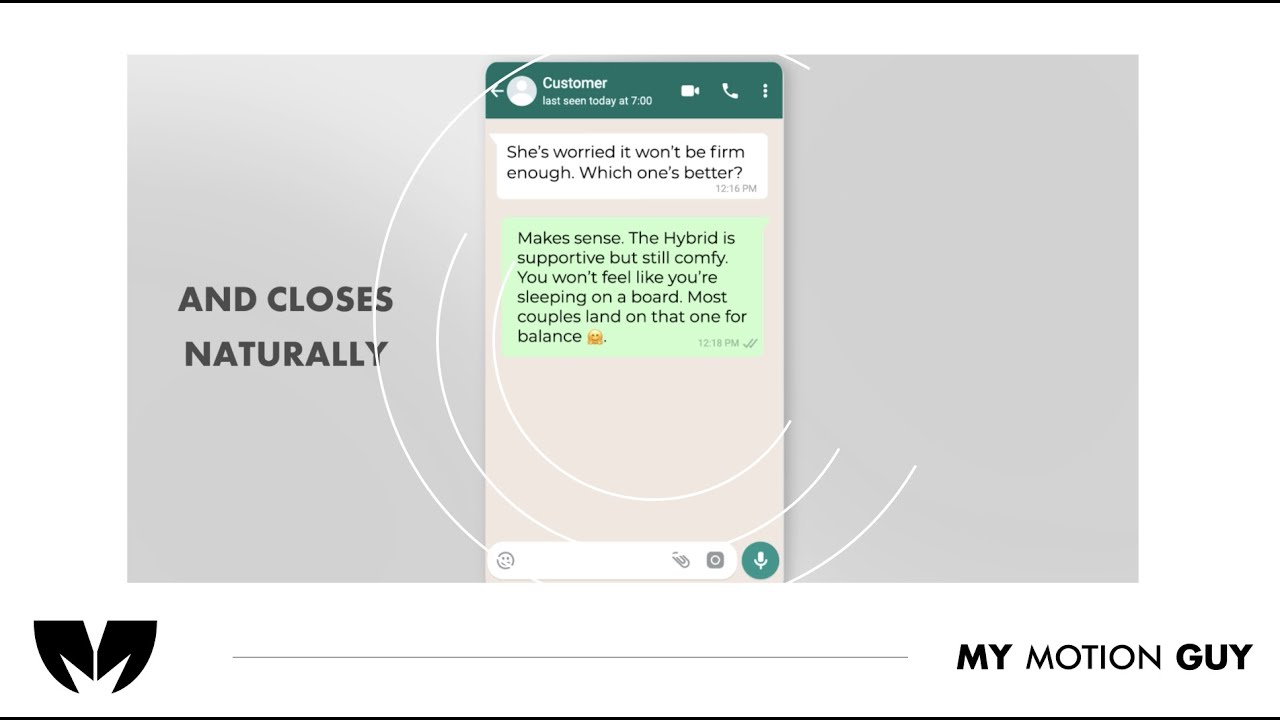
For this AI online shopping agent promo, we cut the UI story tightly to the voice-over so the viewer sees the prompt, action, and result in one clear flow. The opening hooks with the agent prompt being typed, then we transition into shopping and cart screens using smooth zoom pushes and masked wipes that keep the “agent is working” feel continuous. When key benefits land, we support them with minimal callouts and highlight frames on the exact UI areas being referenced, so the value is obvious without clutter. Sound is clean and modern: leveled VO, a controlled music bed, subtle key-tap/click SFX on prompt and cart actions, and soft whooshes on screen switches for a premium finish.